
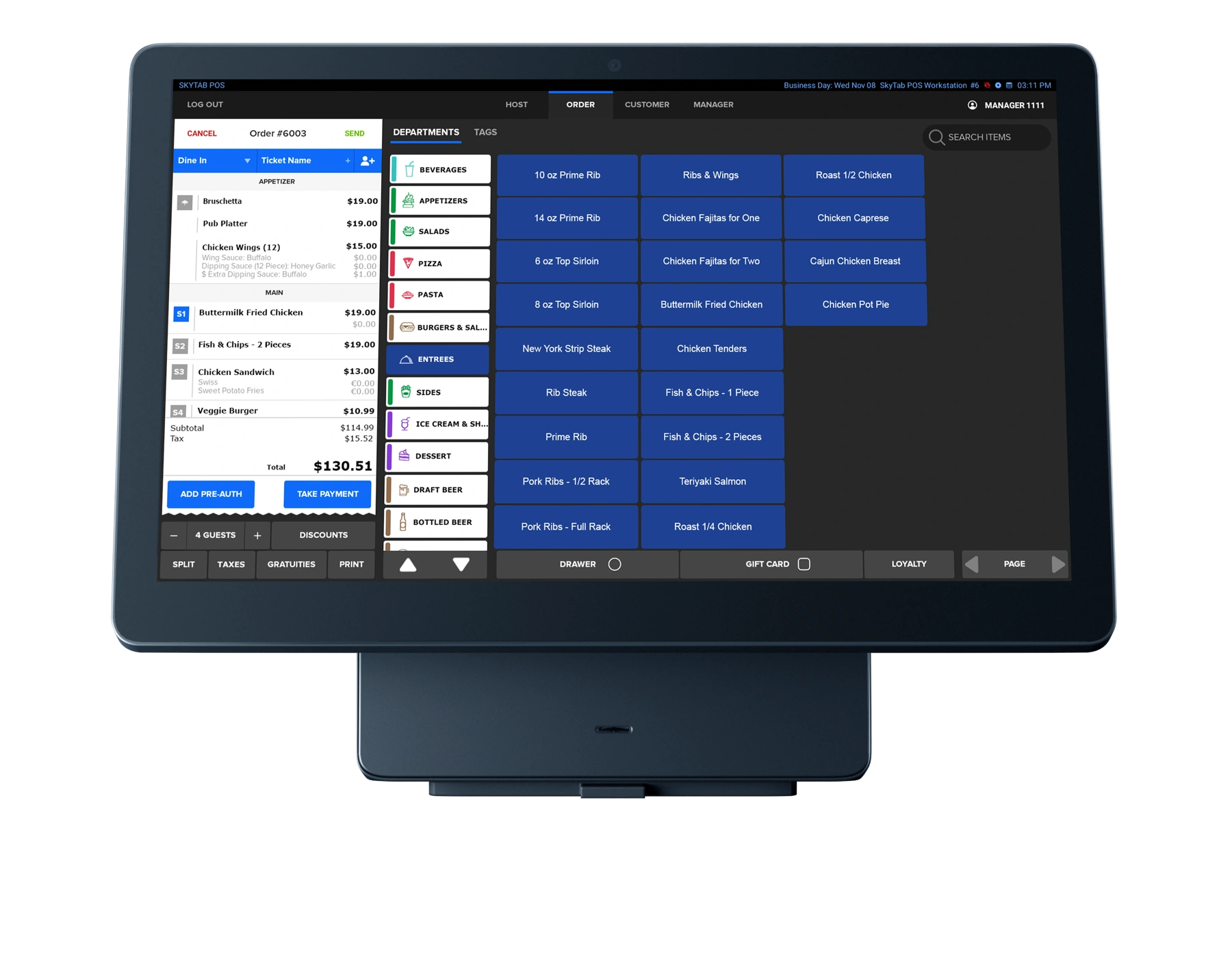
Built around the order
A dedicated restaurant workspace for menu items, modifiers, checks, and the details your team needs during service.
A restaurant POS that connects orders, payments, and the people running your floor. See the system. Compare the fit. Get straight answers from NPC.
For restaurants, bars, and multi-location operators.
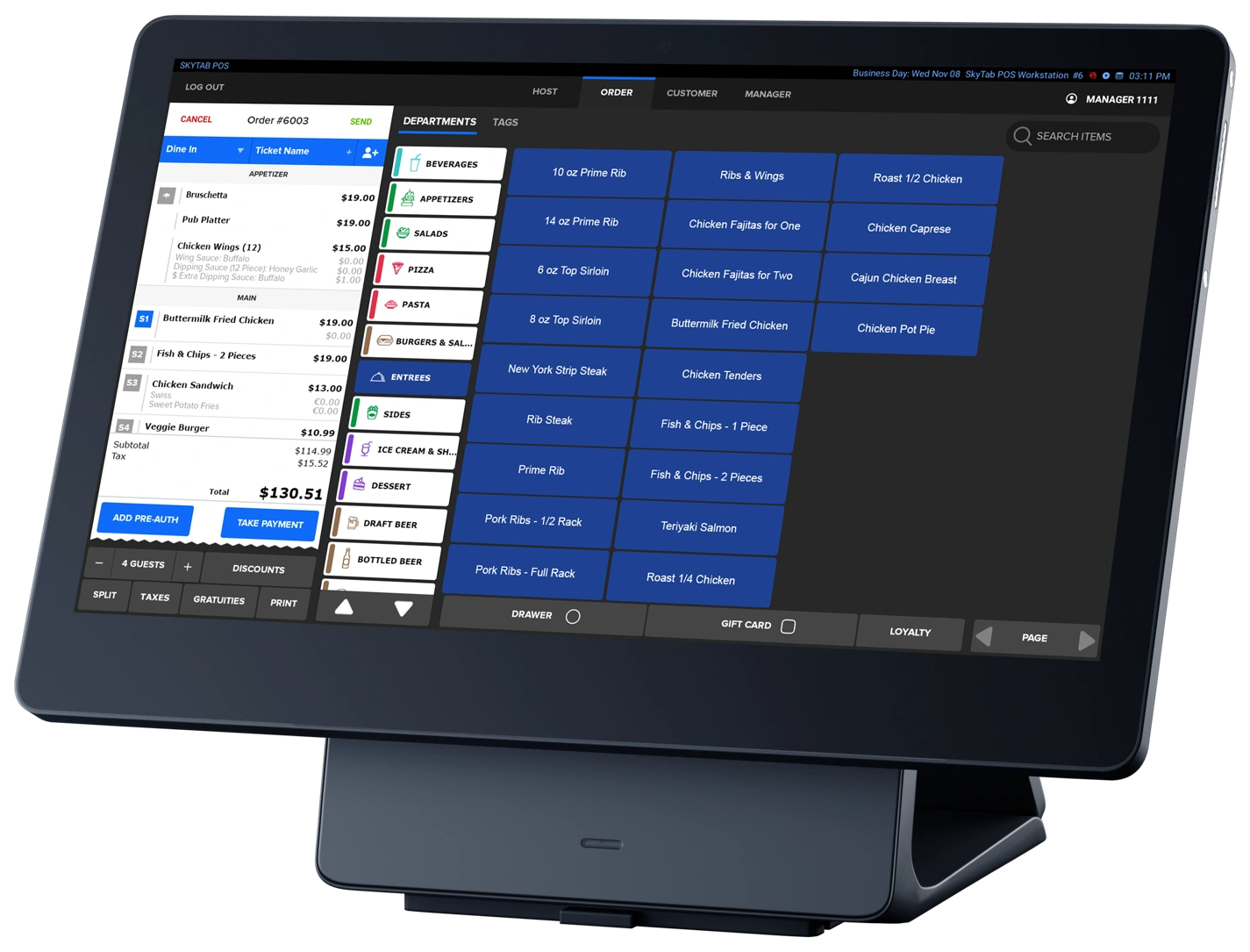
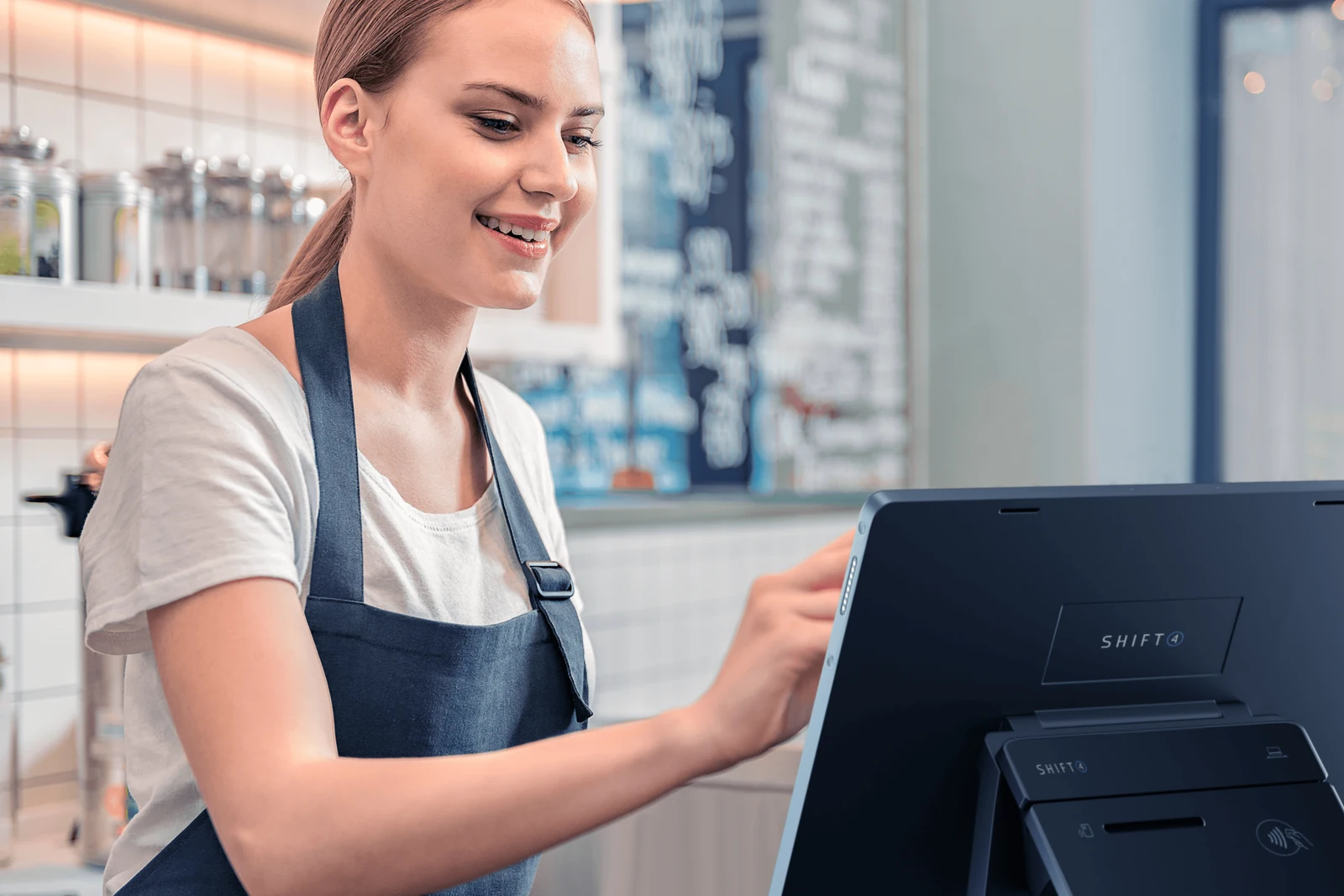

Official Shift4 Dine photography. Hardware and configurations vary.
A clear workspace for your staff. A dedicated payment display for your guests. Start with the equipment your team will actually use.
A dedicated restaurant workspace for menu items, modifiers, checks, and the details your team needs during service.
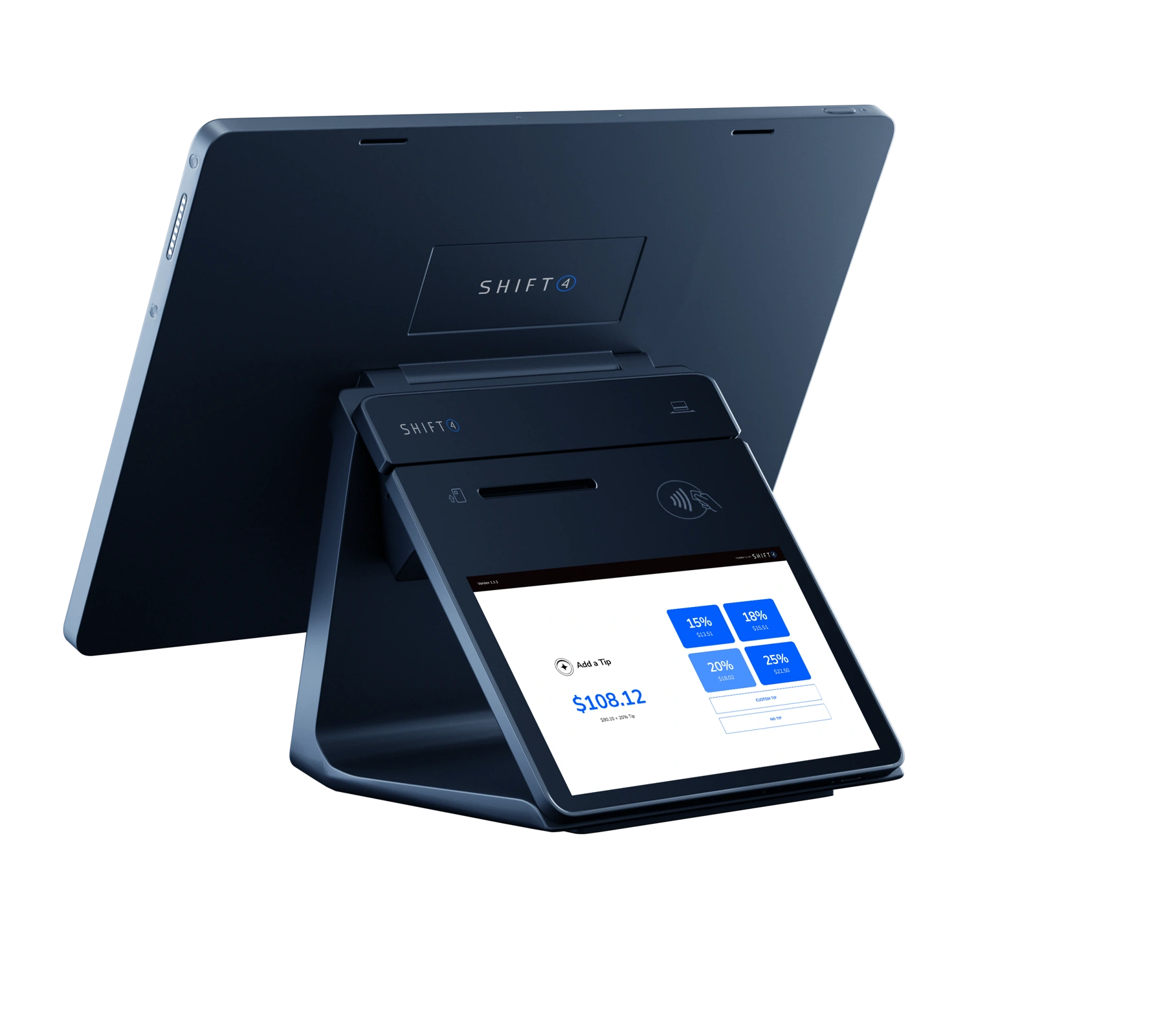
A customer-facing display gives guests their own view of the payment while your team keeps its order-entry screen.
Authentic Shift4 equipment images. Final hardware, software, integrations, and program terms are confirmed in your proposal.
A busy bar, a full-service dining room, and a counter-service restaurant need different setups. NPC helps match the system to your operation—not the other way around.
Review tables, tabs, modifiers, kitchen routing, tips, and the way your staff takes payment.
Compare the actual hardware, software, processing, contract, and support terms—not one advertised rate.
Confirm ordering channels, reporting, integrations, and location requirements before you commit.
That depends on how you take orders, manage the kitchen, accept payments, and run your locations. NPC reviews those needs with you and confirms the available configuration.
Hardware programs, software, processing, and contract terms vary. We review the written proposal and your current statement so you can compare the full cost. No blanket “everything is free” promises.
We identify the integrations and equipment you need to keep, then verify compatibility before recommending a setup.
Tell us about your current POS, your busiest shifts, and what needs to work better. We’ll help you compare a practical Shift4 Dine setup.